The product
Office
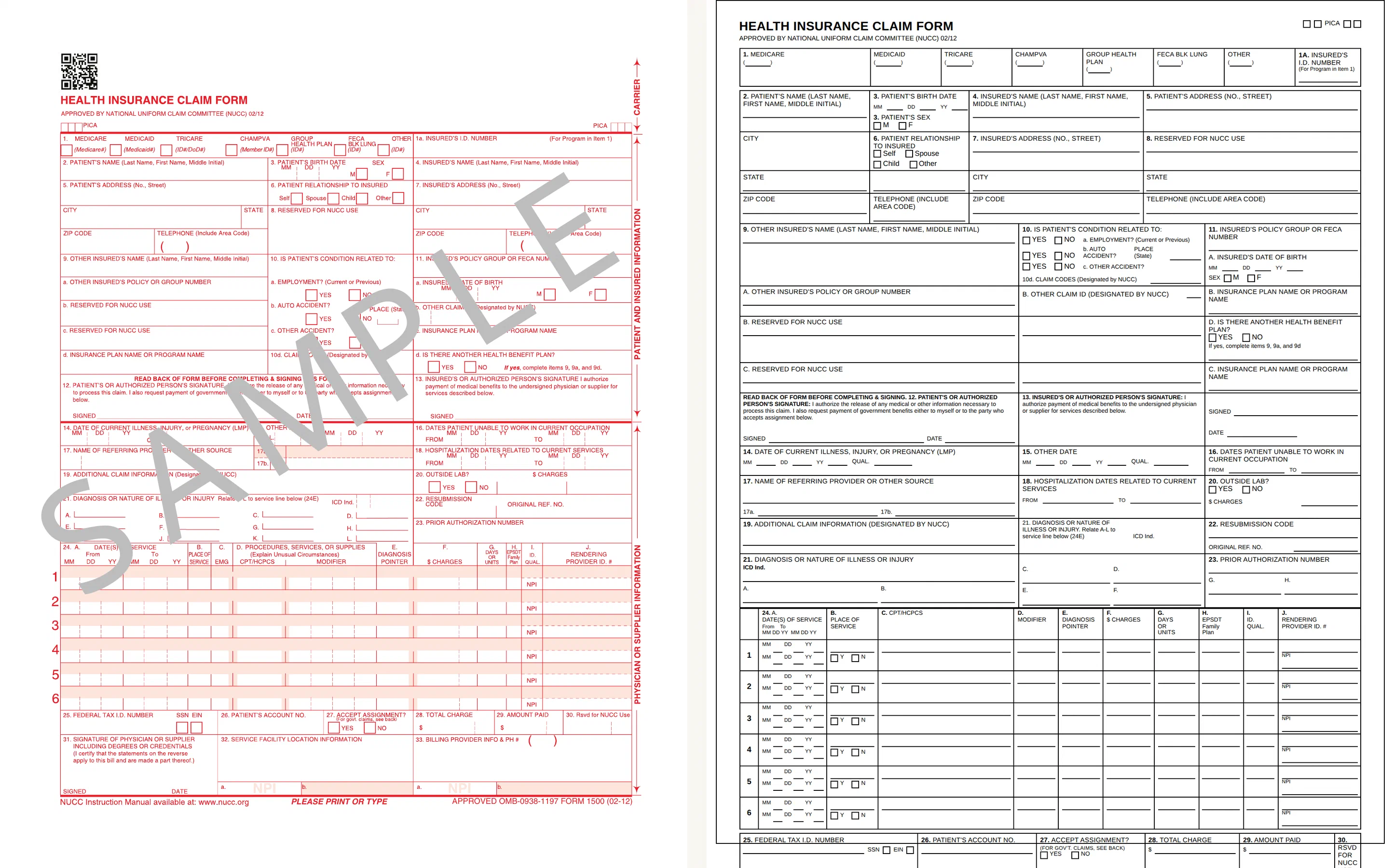
Office makes a digital twin of the paper form: fill it on a phone or in a browser, then print it back out with the answers in their boxes.
The twin
The page, kept digital.
A twin is a digital copy of the form’s page: the lines, the labels, the tick boxes and the instructions stay where the paper put them, and each box knows the answer that belongs in it.
That is why one page can be printed, filled on a phone, and printed back out with the answers in place. There is one page, and every step returns to it.
The fill
Every form keeps its history.
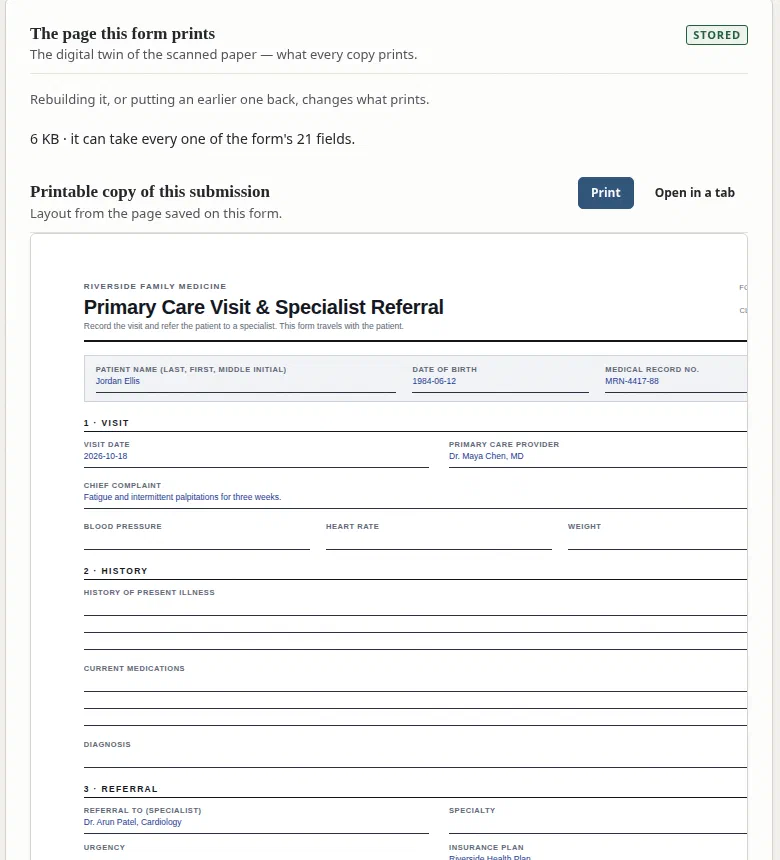
Each answer belongs to the form it came from, so you can see what the form asked and what was answered — and the form keeps every page it has had.
Fill it on a phone or in a browser. The answers are saved with the form, and the page is ready to print.
The print
The page comes back.
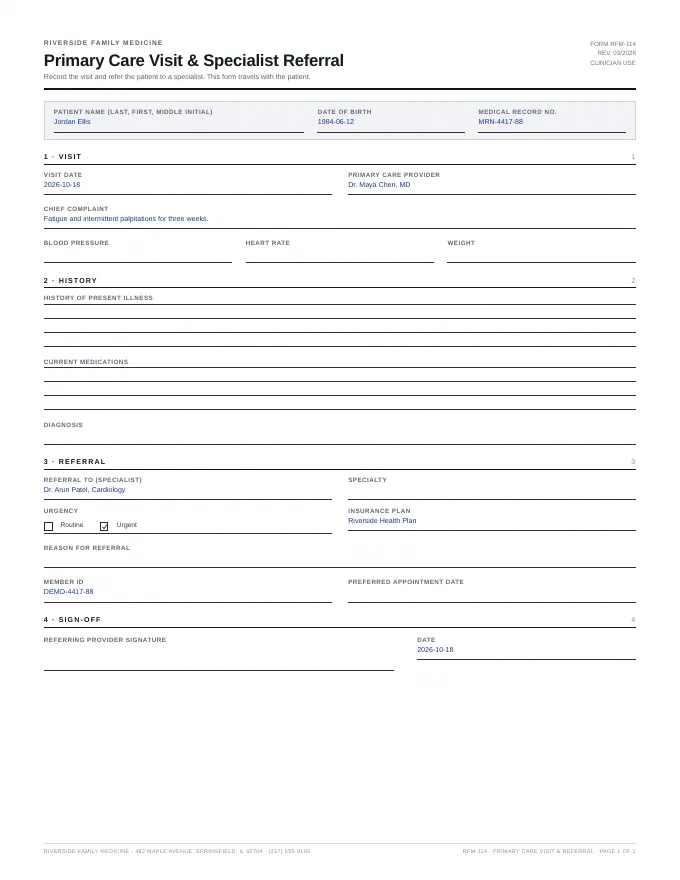
The finished copy prints in the sheet’s own layout — the same lines, the same margins, the same order — so the page that comes back is the page that went out.
The page, or the sheet. Most offices file the printed page. If your file has to be the original sheet, Office prints the answers onto that sheet.
Why it works
Fill it once. The page does the rest.
- At the counter. On a phone or in a browser, where the person is standing.
- At the printer. The copy that comes out is the page that went out.
- In the file. Every answer stays with the form it was filled into.
Private by default
Your pages stay with you.
The reading is done privately. A page is read once, and what it found is kept with the form: the lines, the boxes and where each one sits.
Printing is the same page. The copy goes to your printer with the answers already in their boxes, so nothing is re-typed and the layout does not change.
Questions
The four things offices ask first.
- Does it change our form? No. Office prints the page you already use — the same lines, the same boxes, the same order.
- What do we need to run it? A browser and a printer. The app is for people filling pages away from a desk.
- What happens to the old page when a form changes? It stays in the form’s history. You can go back to it at any time.
- How long does it take to read a page? Seconds for a short form, about a minute and a half for a 200-field one.
Start with one form.
Send us a page and we will send back the page Office builds from it — every field where it belongs.